
Zen Cube
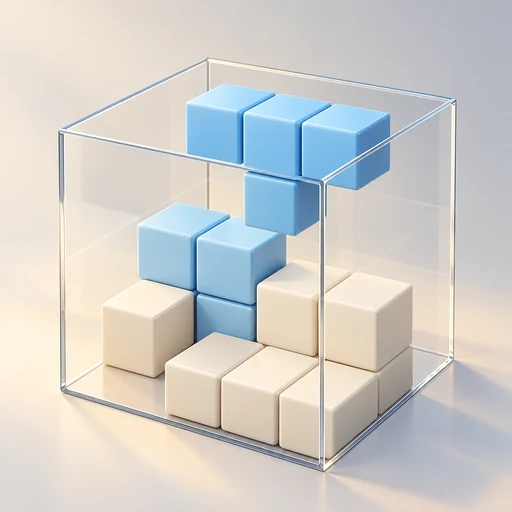
A calm 3D block puzzle. Fit pieces into a glass cube, fill every layer and clear it. No timer, no rush.
On the App Store and Google Play


The game interface is in English only.
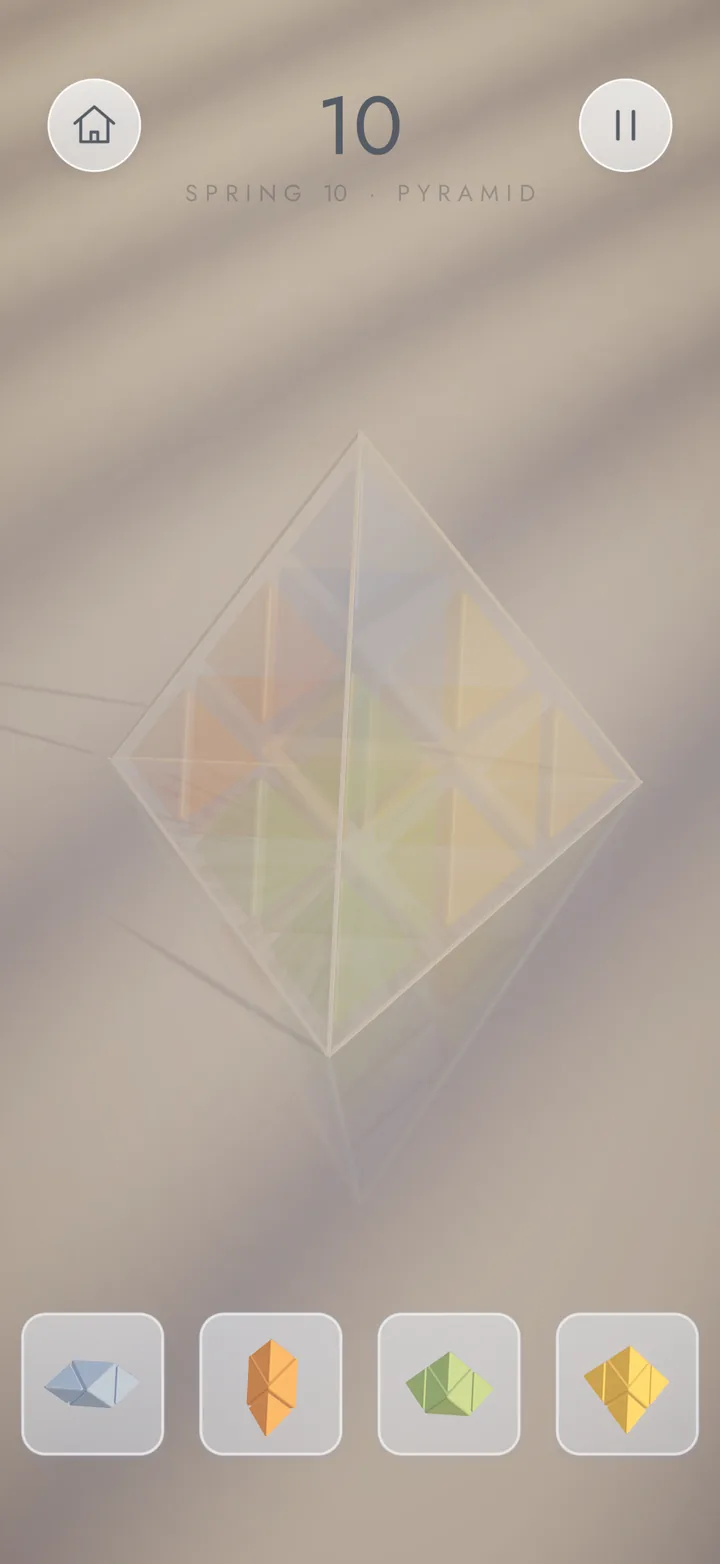
The hero, tutorial, Journey map, HOME menu and plain-floor screenshots are from build 11. Pyramid and stage-end images show the earlier 1.0 interface.
01
What is Zen Cube?
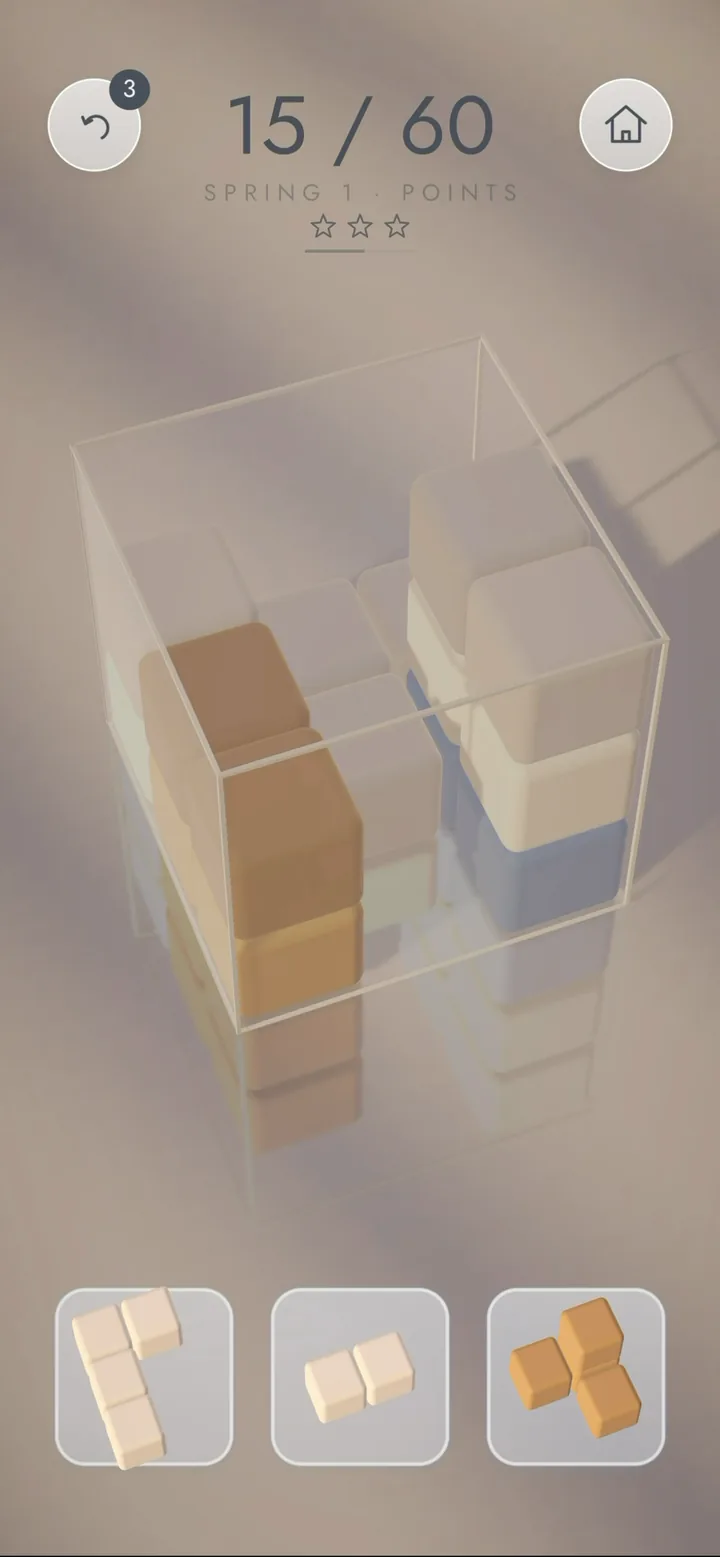
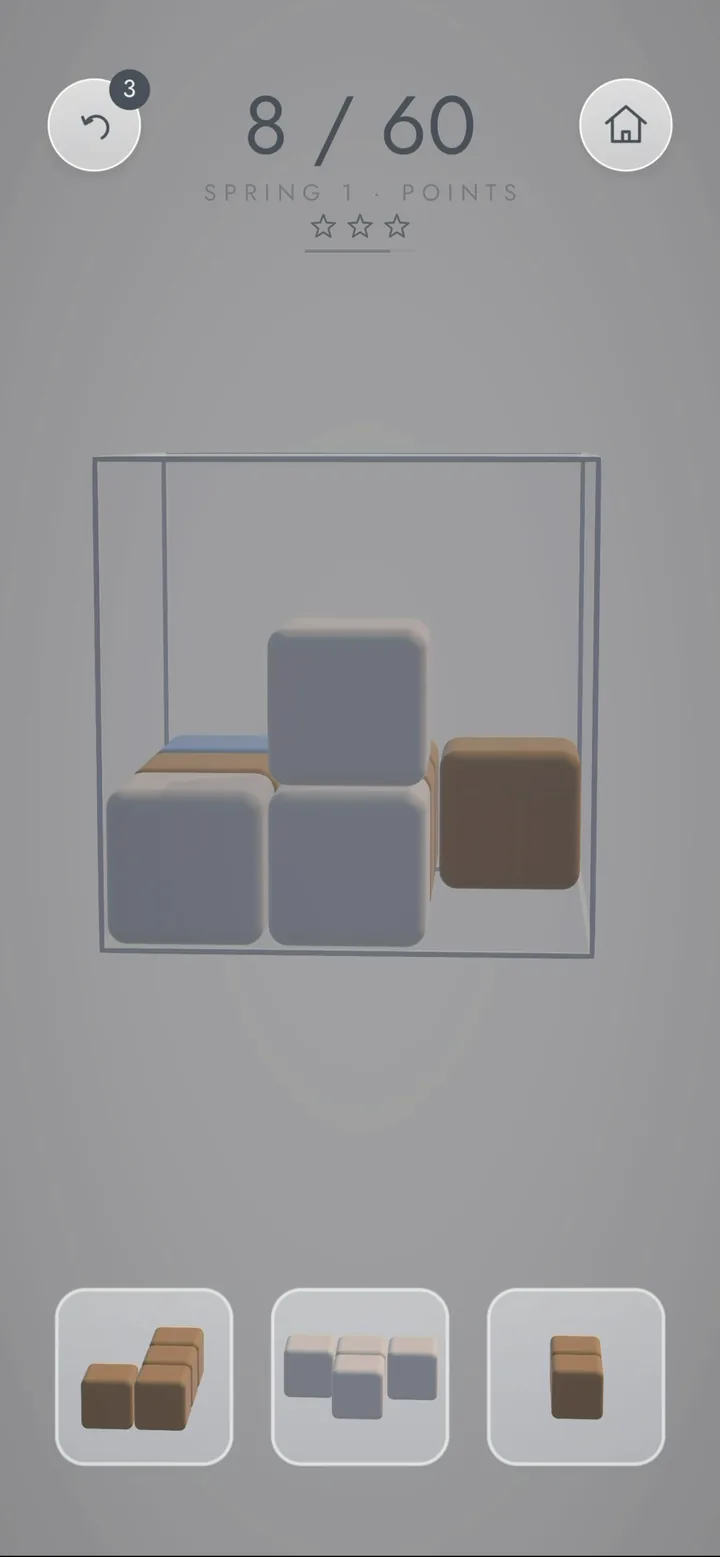
Zen Cube is a 3D block puzzle you play at your own pace. Three pieces wait in the tray at the bottom of the screen, and you place them inside a glass cube. When a layer is completely full, it clears with a soft chime and makes room again.
There is no countdown and nothing chasing you. The goal is to use a limited space wisely and think each move through.
02
How to play
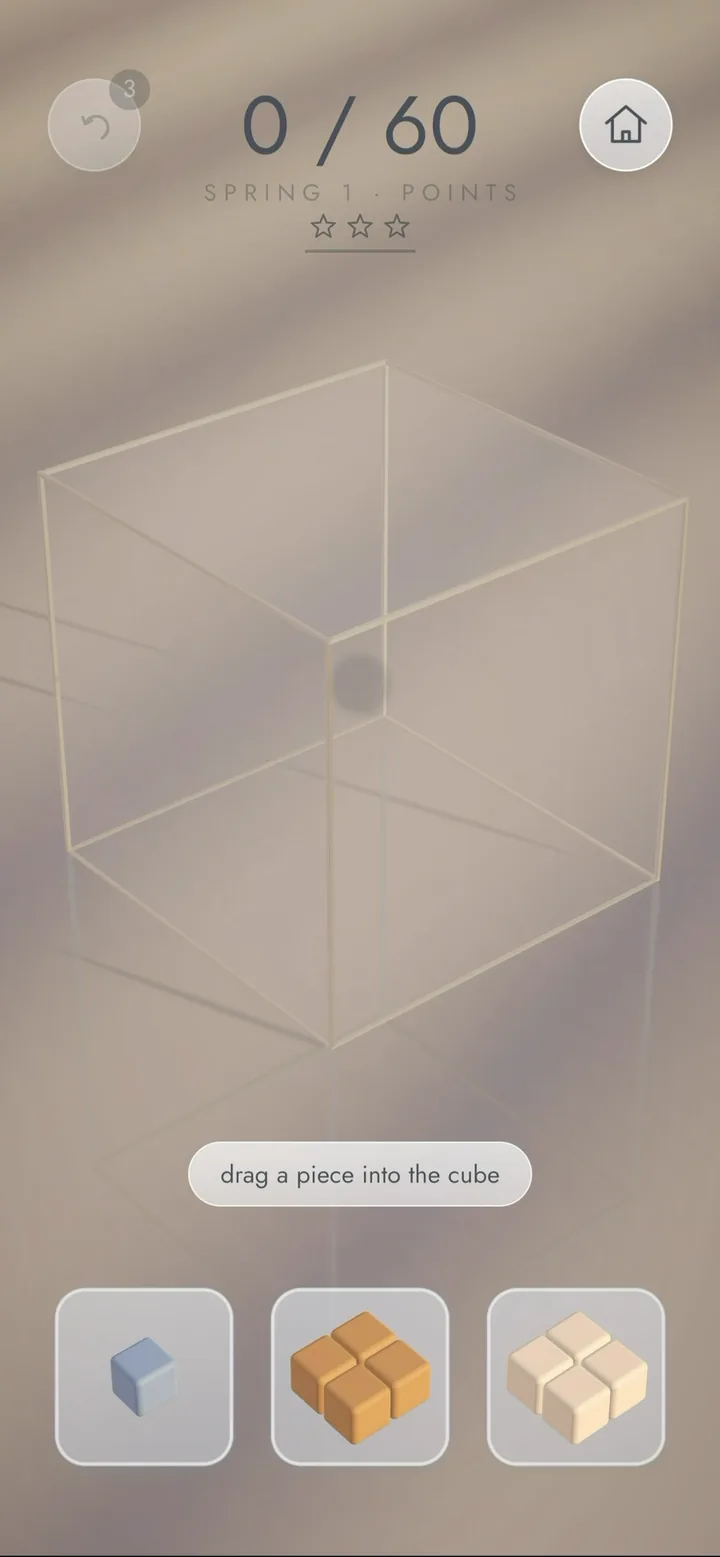
- Place: Drag a piece from the tray onto the cube. A translucent preview shows where it will land.
- Rotate: Tap a piece to turn it. Double-tap to tilt it on its side.
- Look around: Drag on empty space to orbit the cube and reach the back.
- Clear: Fill a whole layer, in any of the three directions, and it clears.
A short tutorial walks you through these steps the first time you play.
03
Core mechanics
- Clearing in three directions: The cube has layers in every direction. Clearing several layers at once earns far more points.
- Varied pieces: Eleven shapes, from a single cube up to four cubes; some are truly three-dimensional.
- Goal-based stages: Every stage has a goal: reach a score or clear a number of layers. Some stages limit the number of pieces, and some start with stones already placed inside the cube.
- Stars: The fewer pieces you use to reach the goal, the more stars you earn (up to three). While you play, a small star indicator under the headline shows how many stars are still within reach.
- Undo: You have three undos per stage. You can take back a placement, including a layer it cleared.
04
Modes and progression
Zen Cube unfolds as a Journey: three chapters (Spring, Summer, Autumn) with ten stages each, thirty stages in total.
- Spring starts with a smaller 3×3×3 cube; Summer and Autumn move to a 4×4×4 cube.
- Stages unlock in order. The map shows each stage's shape, the stars you've earned and where you left off.
- You can replay any finished stage to earn the stars you missed. Your best result is always kept.
- Progress is stored only on your device; no account is needed.

05
Pyramid puzzles
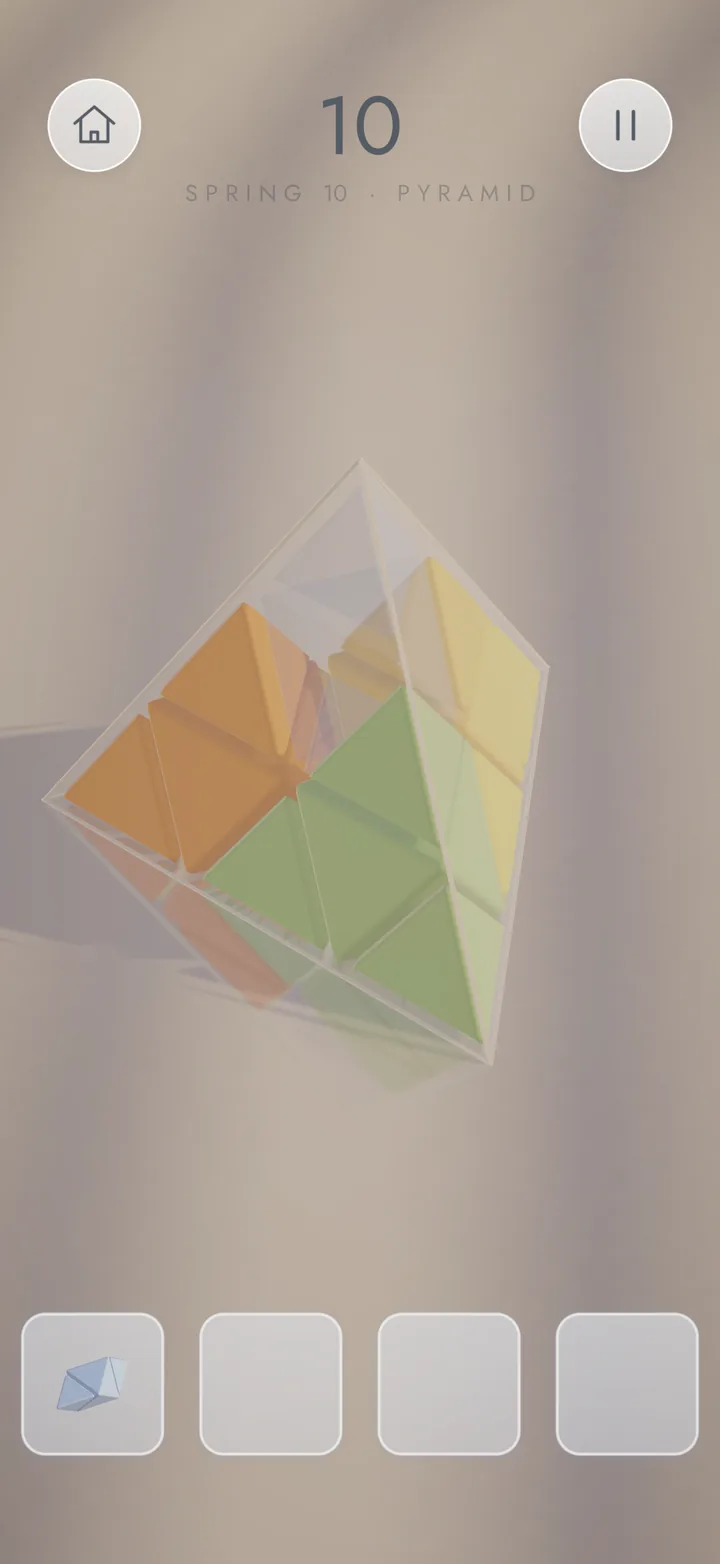
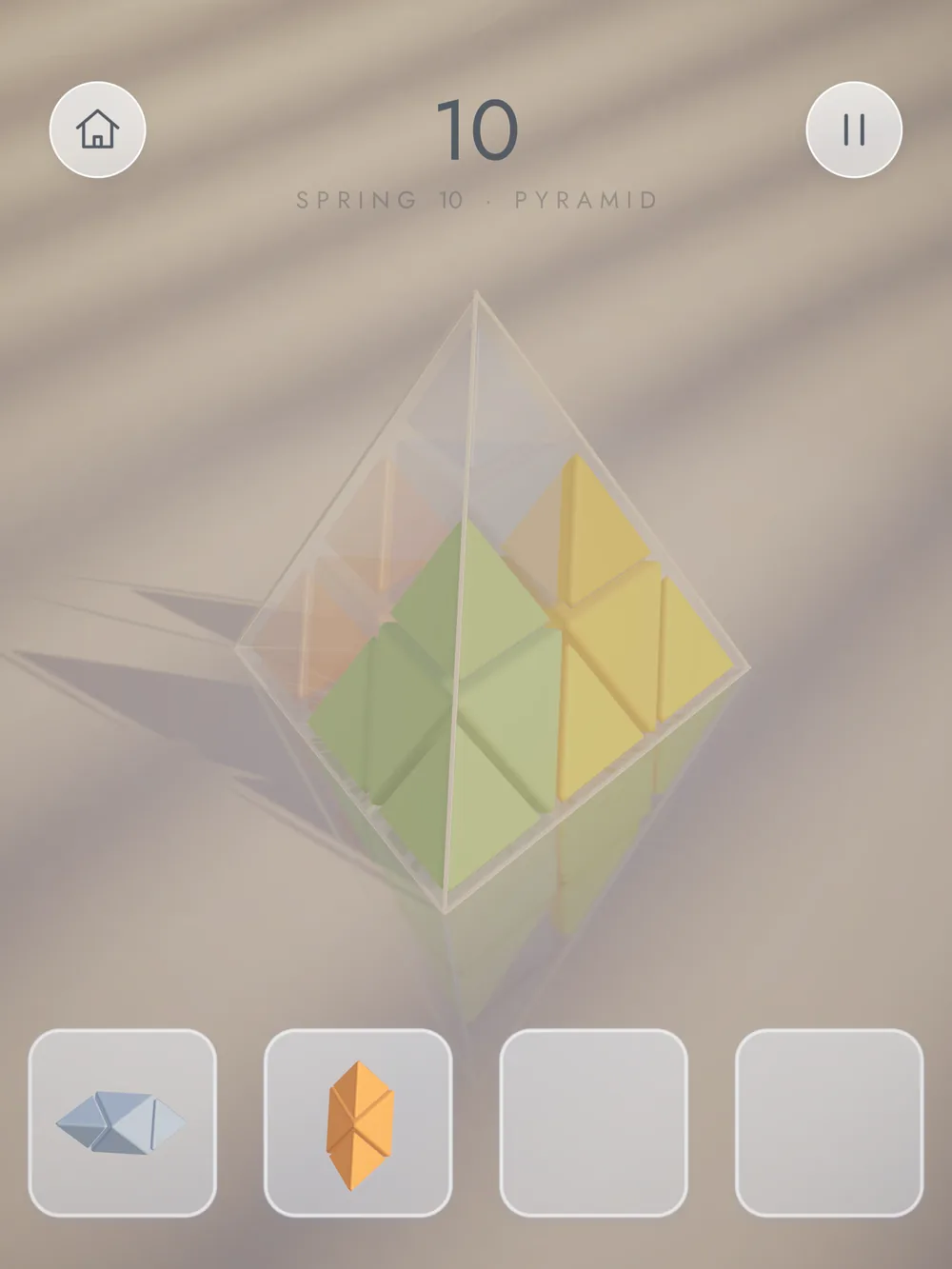
Each chapter includes assembly puzzles where you fill a real triangular pyramid instead of the glass cube. The pieces are larger and colored; the puzzle is complete when they all fit inside the pyramid.
- Colored marks hint at where each piece belongs.
- Tap a placed piece to send it back to the tray.
- Finish without taking any piece back to earn three stars.
06
Visual world
Zen Cube has a quiet, minimal look: frosted-glass buttons, the thin Jost typeface, and matte cubes in sand, dusty blue and off-white. The glass cube sits in a sunlit room with soft light falling through the blinds; later chapters move to a floor that recalls a sand garden.
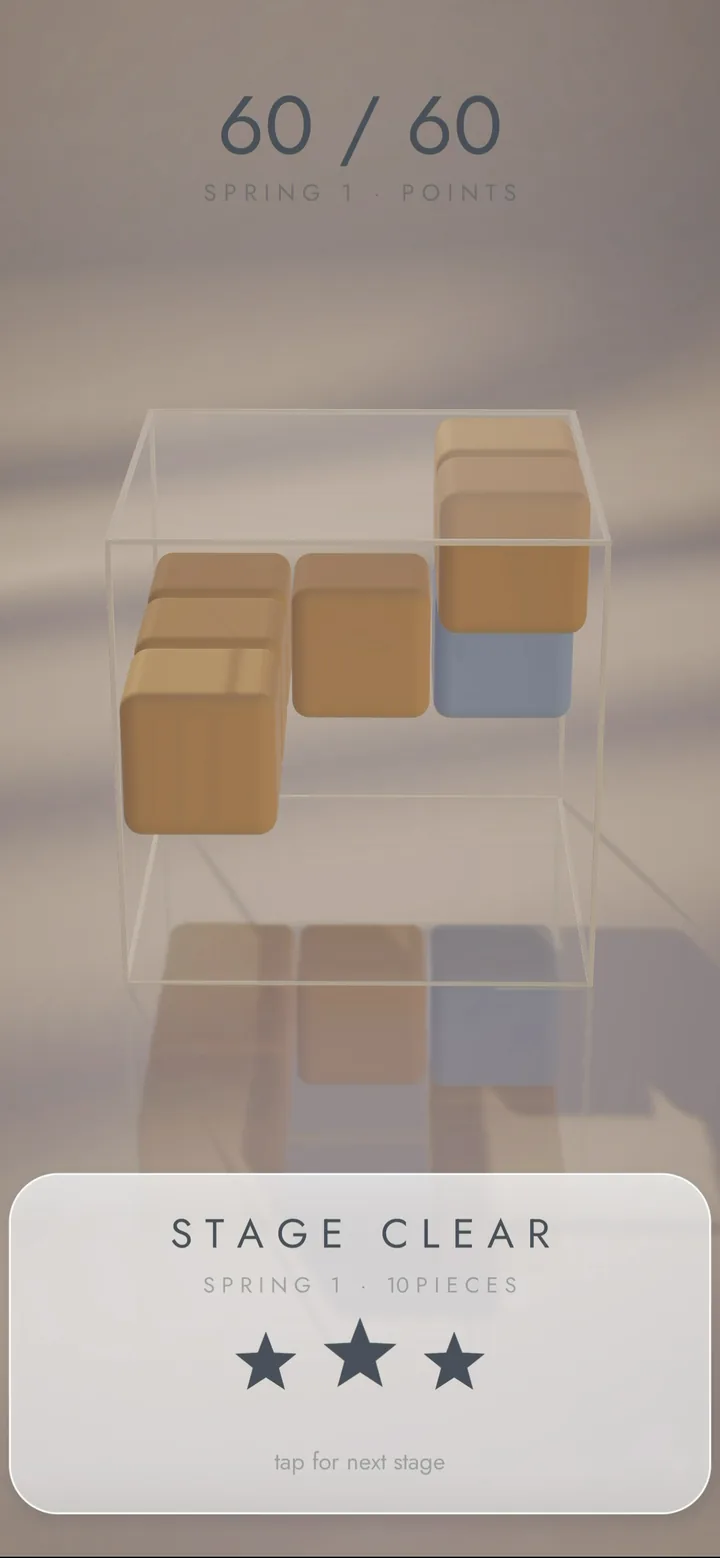
When you finish a stage, the cubes shimmer in a gentle wave and the camera slowly circles the board, which stays on screen so you can see your final move.
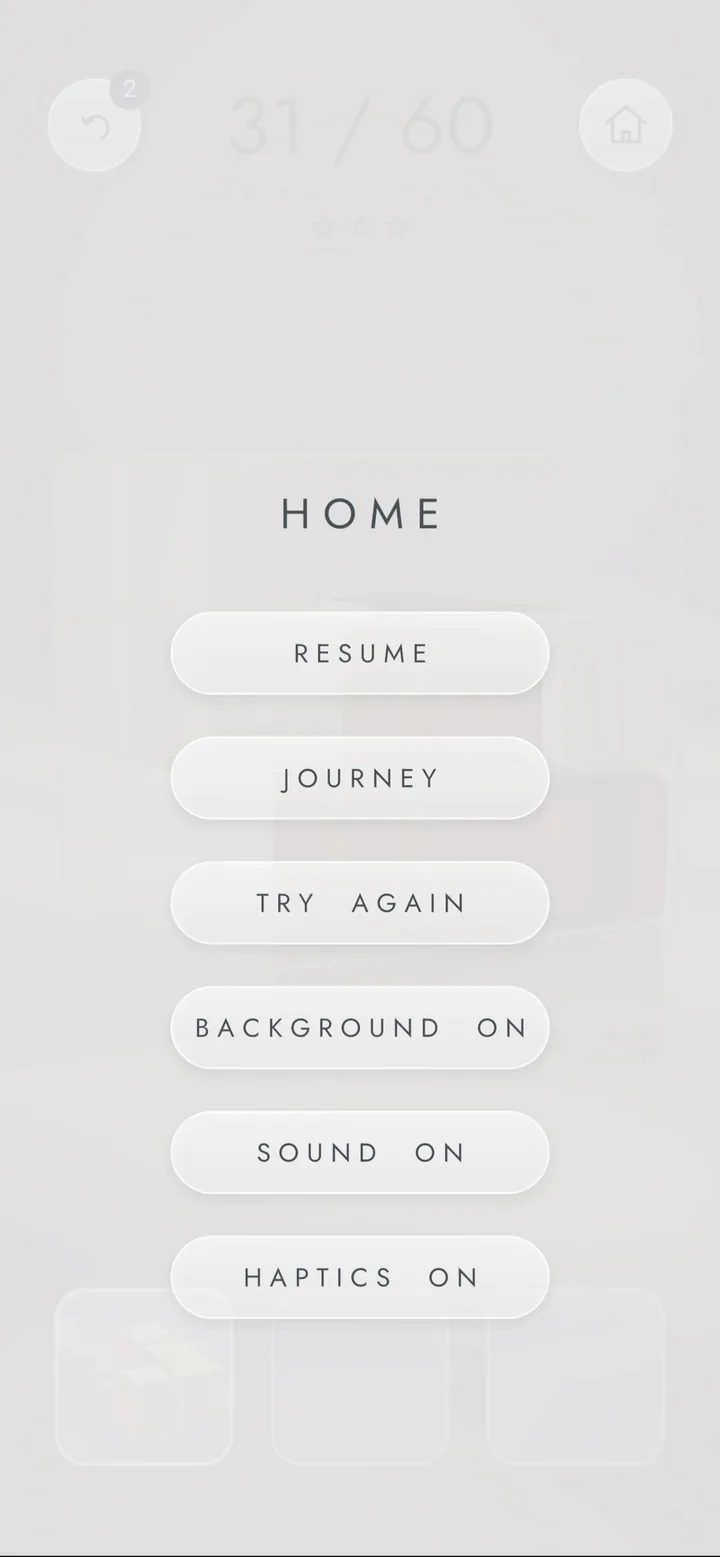
If you prefer an even simpler view, you can turn the background off and play on a plain, light floor. Sound and haptics can each be switched on or off from the menu.
07
What makes it different
- A cube and a real triangular pyramid: two different geometries in one game.
- No time pressure; every move can be considered.
- Free to play; no account required.
- Plays without an internet connection.
- All in-game sounds are soft, code-generated clicks and chimes.
- Gentle haptic feedback on supported devices.
08
Platforms
- iPhone and iPad
- Android phones and tablets (Android 8.0 and later)
- Played in portrait orientation.
- The game's interface is in English.
There is no web version.
09
Release and development status
Zen Cube 1.0 launched on the App Store and Google Play in November 2026.
We keep developing the game. New chapters and new geometric shapes are in the works.
10
Developer and support
Zen Cube is developed by Volkan Duran in Istanbul.
- Questions, suggestions and bug reports: zencube@volkanduran.com
- Support and FAQ
- Privacy Policy — See the privacy policy for information about advertising, data processing and privacy choices.