01
PaintPuzzle
Paint, place, reveal the picture.
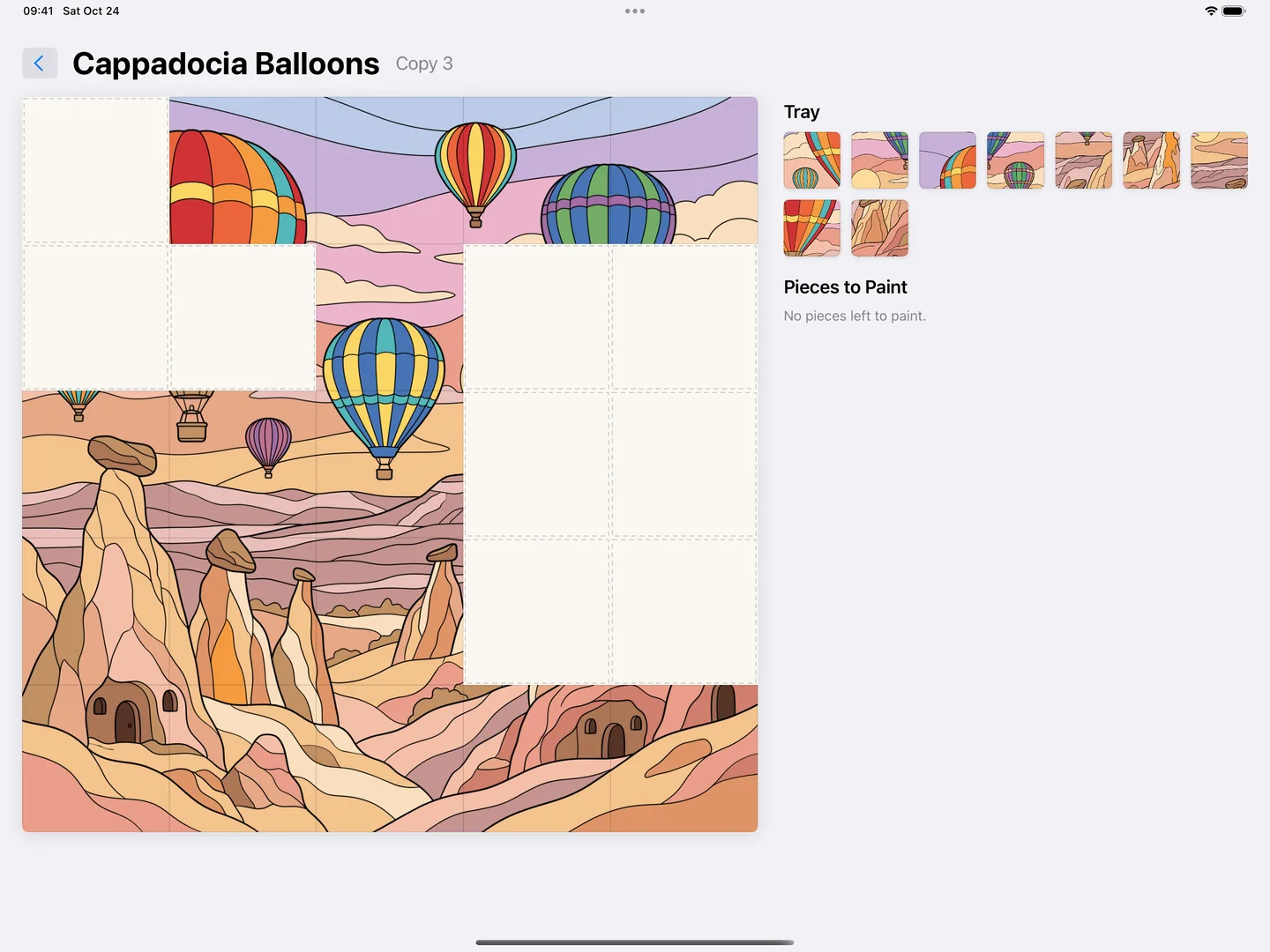
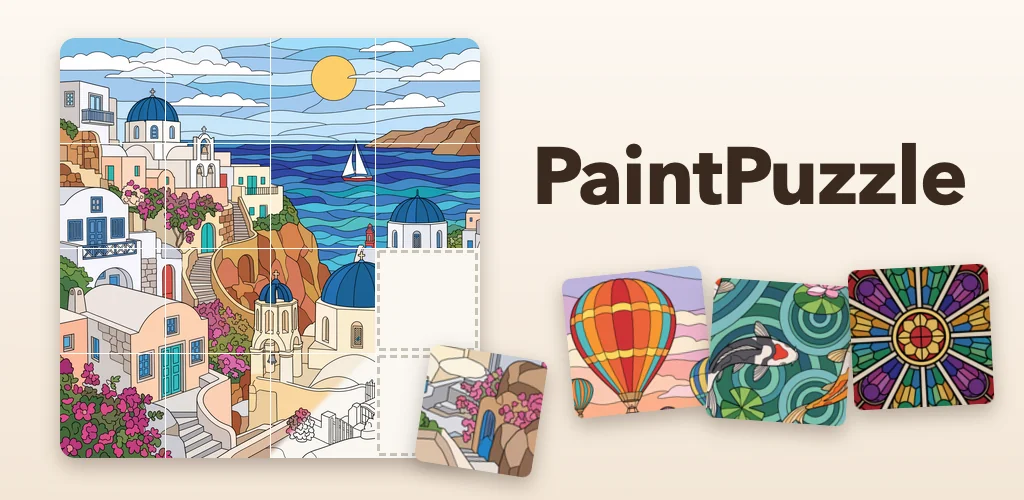
A hidden picture is cut into pieces. You paint each piece on its own; a finished piece drops into the tray, and you move it to its place on the board. When the last piece clicks into place, the whole picture appears.
PaintPuzzle is designed for iPad. Paint with Apple Pencil or your finger. It also runs on Mac computers with Apple silicon.
Version 1.1.1 is currently free, with no ads or in-app purchases.
PaintPuzzle is available on the App Store for iPad and on Google Play for Android tablets.
Screenshots marked “iPad” are the App Store screenshots of iPad version 1.1. The screenshot marked “Android tablet” is from the Android test build (1.1, build 3).
Screenshots were prepared using sample game progress for illustration.
02
How to play (three steps)
One picture in three steps
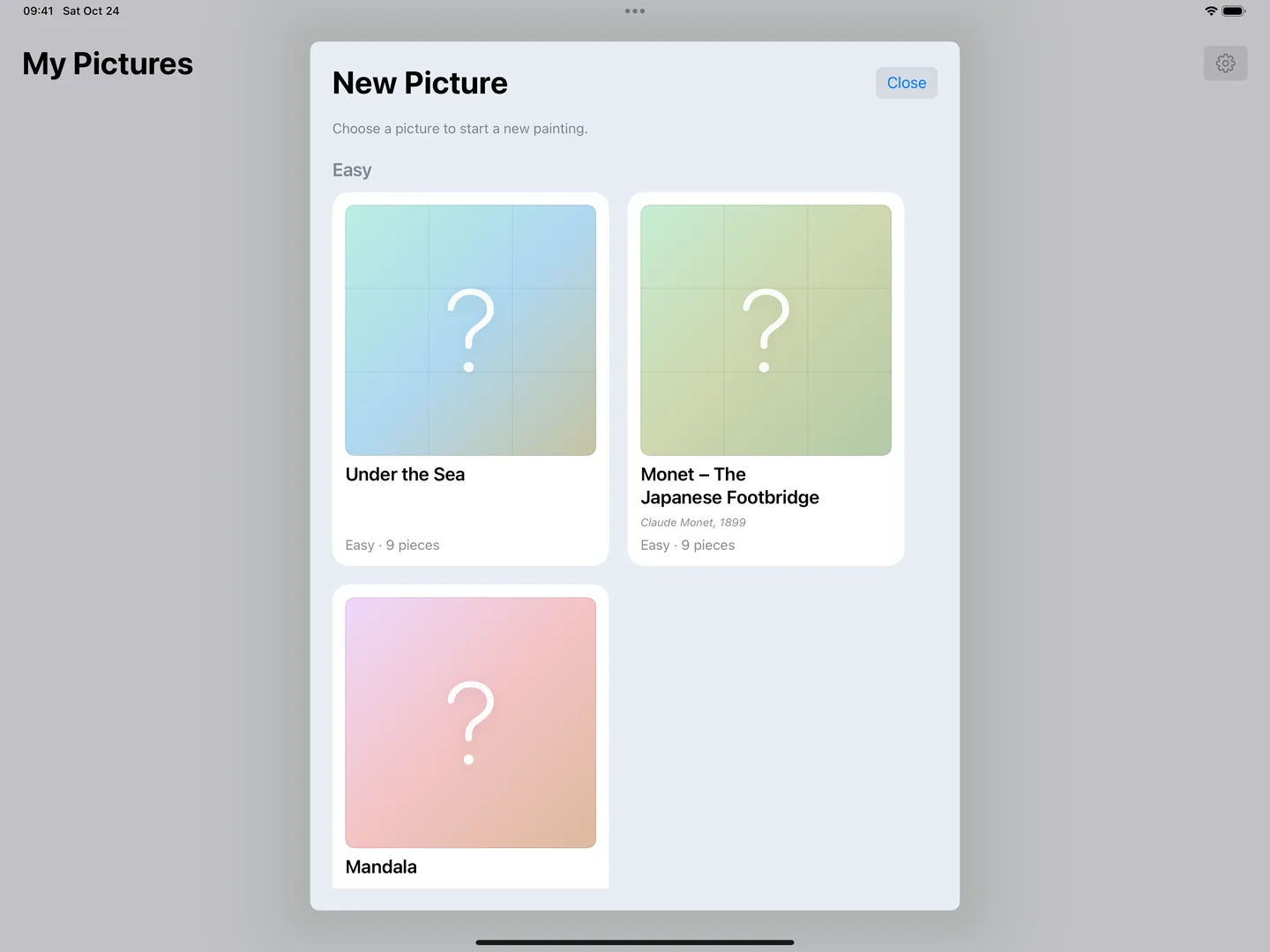
- Choose a picture. In "New Picture" the cards are hidden: you see only a gradient of the picture's colors and a question mark. You find out what it is as you paint.
- Paint the pieces. The picture is cut into 9 to 36 pieces. Start with any piece you like.
- Place them on the board. A finished piece drops into the tray. Drag it to the right cell on the board. When every piece is placed, the picture is complete.
03
The painting experience
It starts with a blank sheet
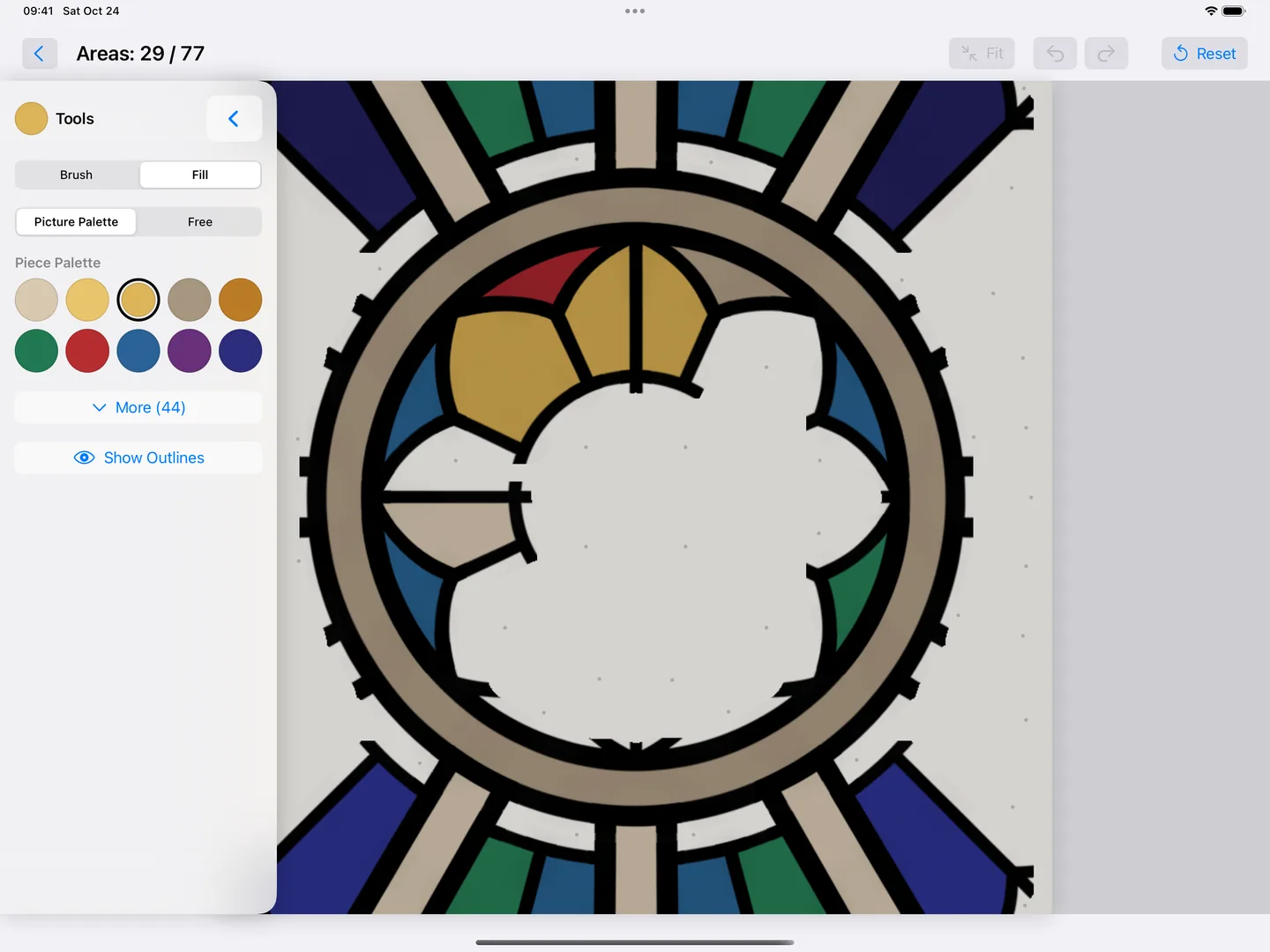
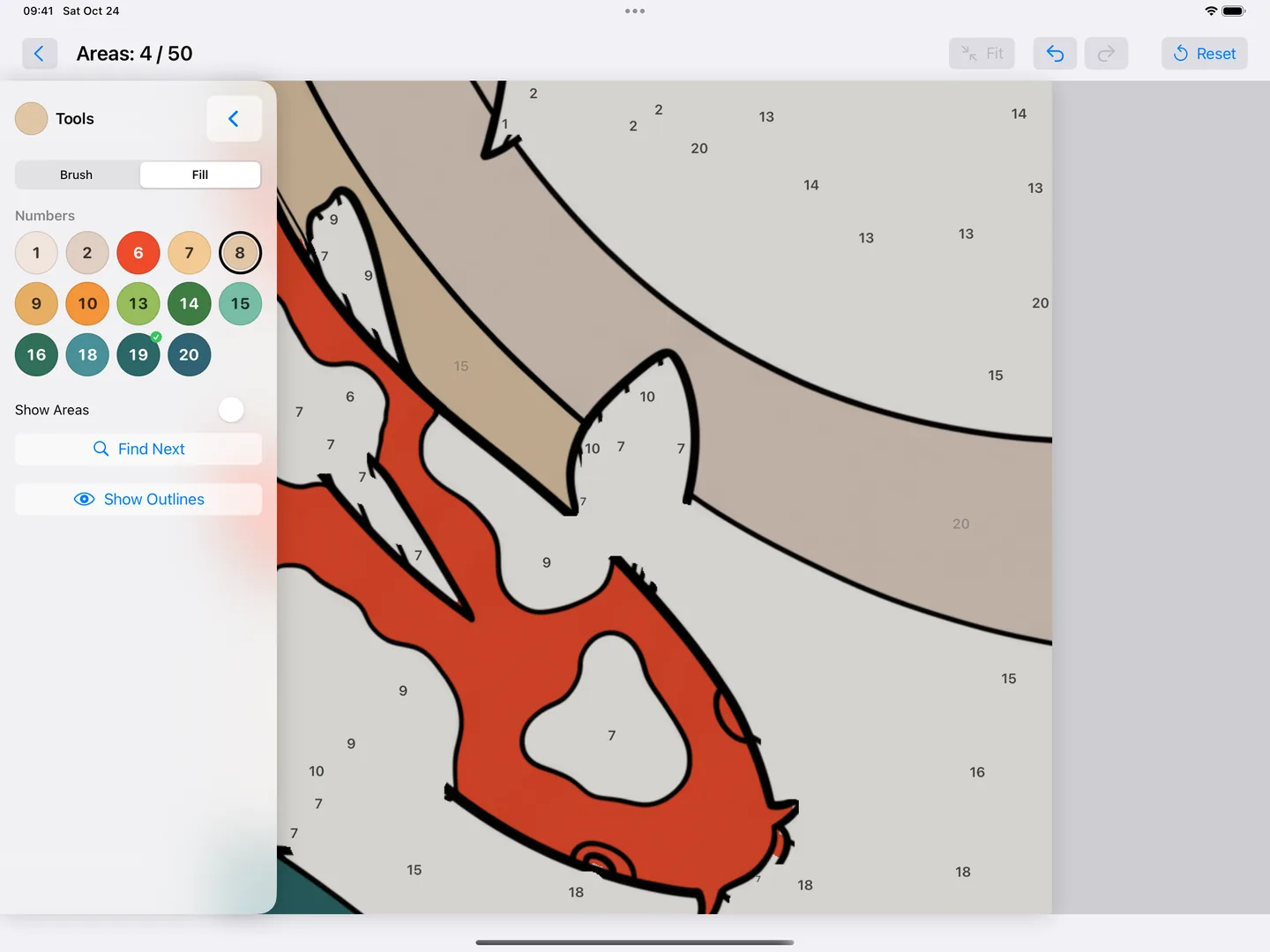
Each piece opens like a blank sheet of paper. The outlines of the areas are hidden at first; the picture appears as you paint. If you want to see where to paint, tap "Show Outlines".
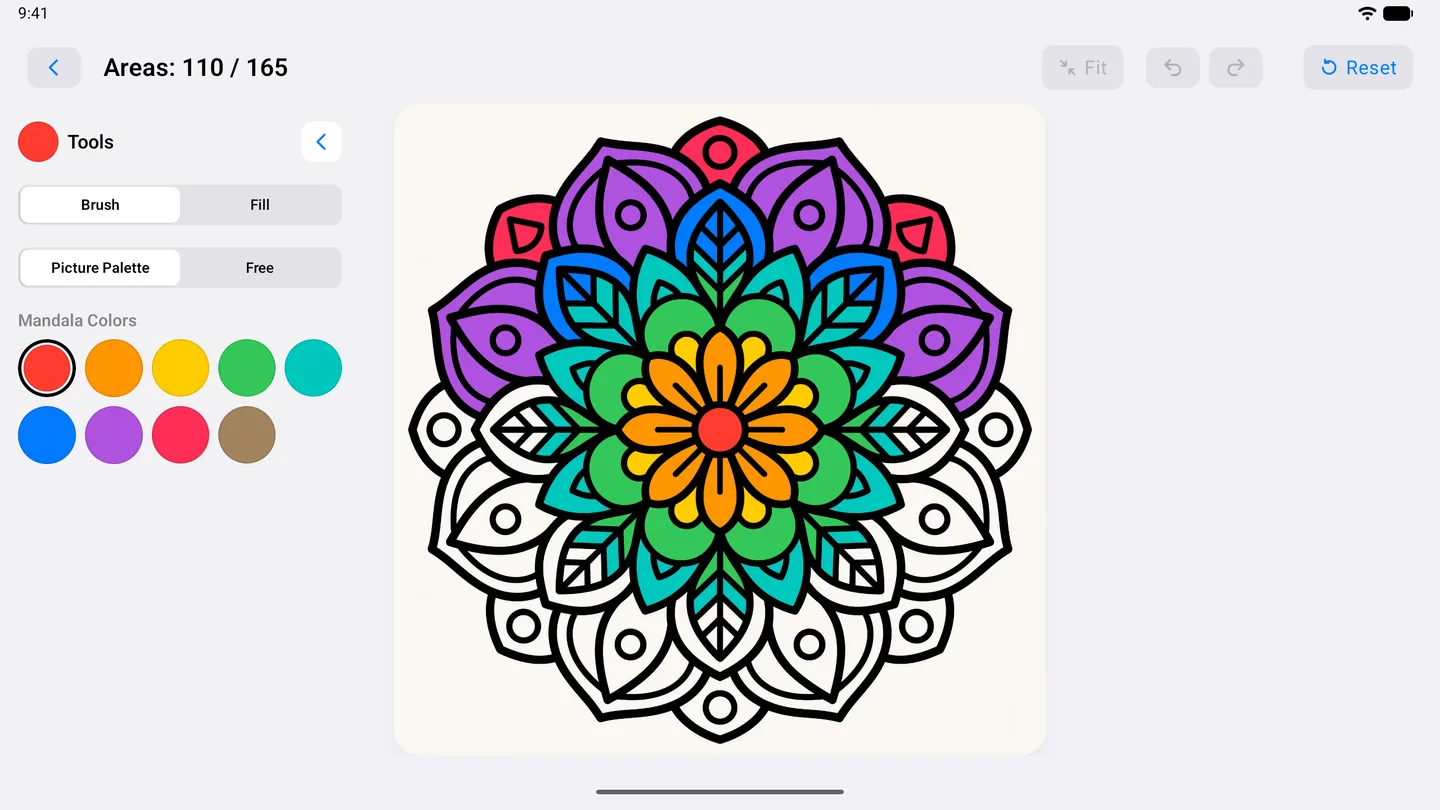
- Brush and Fill. Paint freely with the Brush, or fill an area with one tap using Fill.
- Area counter. The top of the screen shows how many areas of the piece you have finished (for example "Areas: 57 / 77").
- Undo, redo, fit. Undo a stroke you didn't mean; fit a zoomed-in piece back to the screen with one tap.
- Carry Colors Over. When an area continues into a neighboring piece, the unpainted part there is filled with the same color. You can turn this off in Settings.
Paint by Number (optional)
If you'd like to reach the original colors, turn on "Paint by Number" in Settings; it is off by default. Each area then shows a number, and the palette keeps only that piece's numbered colors.
- When an area is painted in the right color, its number disappears.
- When all areas of a number are done, its color swatch gets a check mark.
- "Find Next" shows you an unpainted area; "Show Areas" highlights the areas of the selected number.
- Available for 23 of the 26 pictures. Mandala, Monet – The Japanese Footbridge and Iznik Tile are not suited to this mode.
04
Puzzle and game mechanics
Board, tray and pieces to paint
The picture's board is on the left, the pieces on the right. "Pieces to Paint" shows how many areas of each piece are done. Finished pieces wait in the "Tray"; you move them to their places on the board. You can return a placed piece to the tray at any time.
- Four levels: Easy 3×3 (9 pieces), Medium 4×4 (16), Hard 5×5 (25), Expert 6×6 (36).
- Mandala: a single page, without pieces.
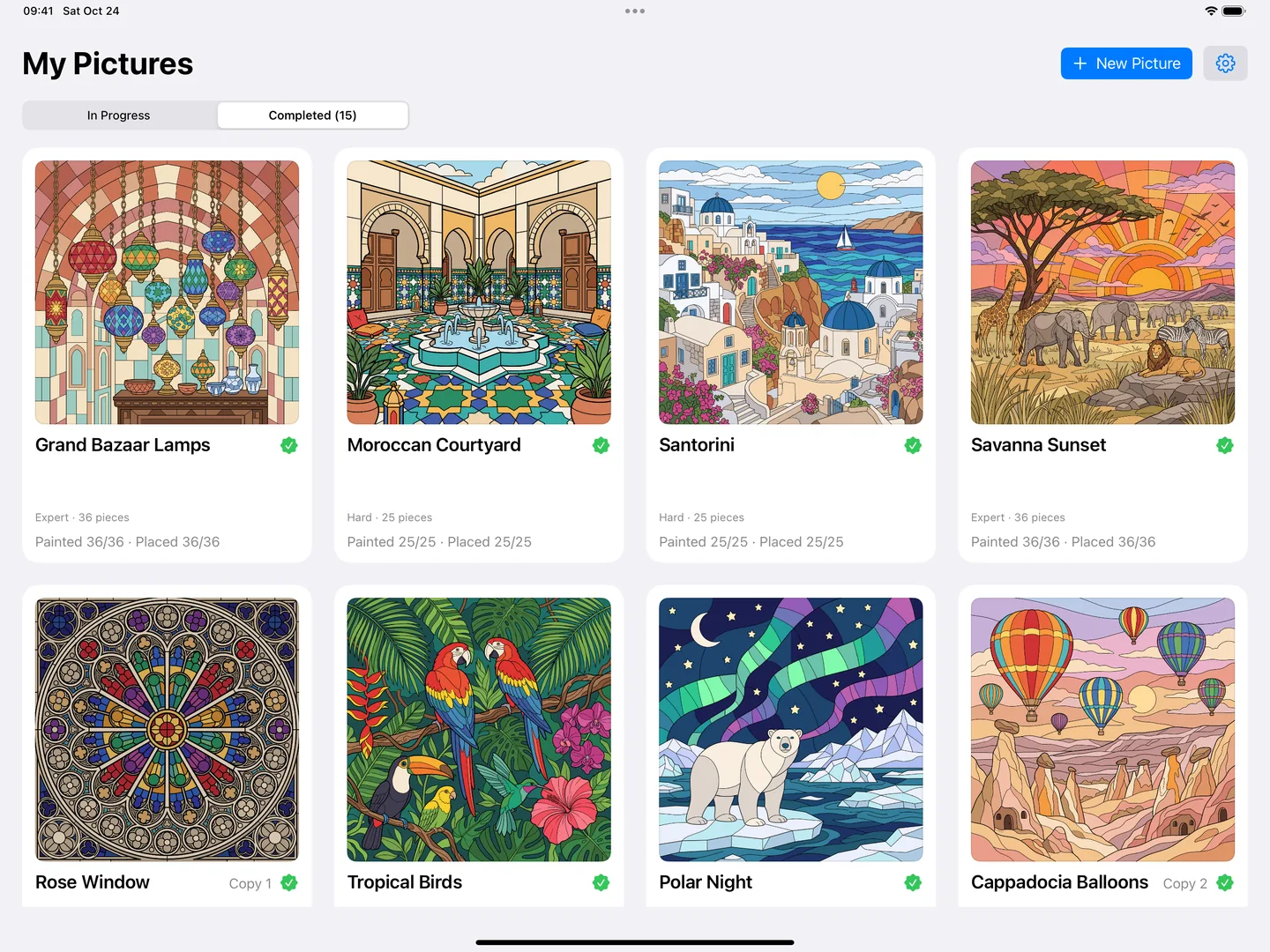
- Paint it again: start the same picture more than once; each start is kept as a separate copy. Open a finished picture again from Completed with "Paint Again".
What makes it different?
In most coloring apps you see the whole picture from the start. In PaintPuzzle the picture is hidden: it appears as you paint and place the pieces. The calm of coloring and the "just one more piece" feeling of a jigsaw come together in one game.
05
The picture collection
26 pictures, five levels
The app includes 26 pictures: the Mandala, 2 Easy, 4 Medium, 8 Hard and 11 Expert pictures. All pictures are inside the app; there are no extra packs to download.
- Inspired by famous works: Vincent van Gogh's The Starry Night, Sunflowers, Almond Blossoms and Café Terrace at Night, and Hokusai's The Great Wave off Kanagawa are redrawn in a stained-glass style. Claude Monet's Japanese Footbridge is in the collection too. The artist and year appear on the picture card.
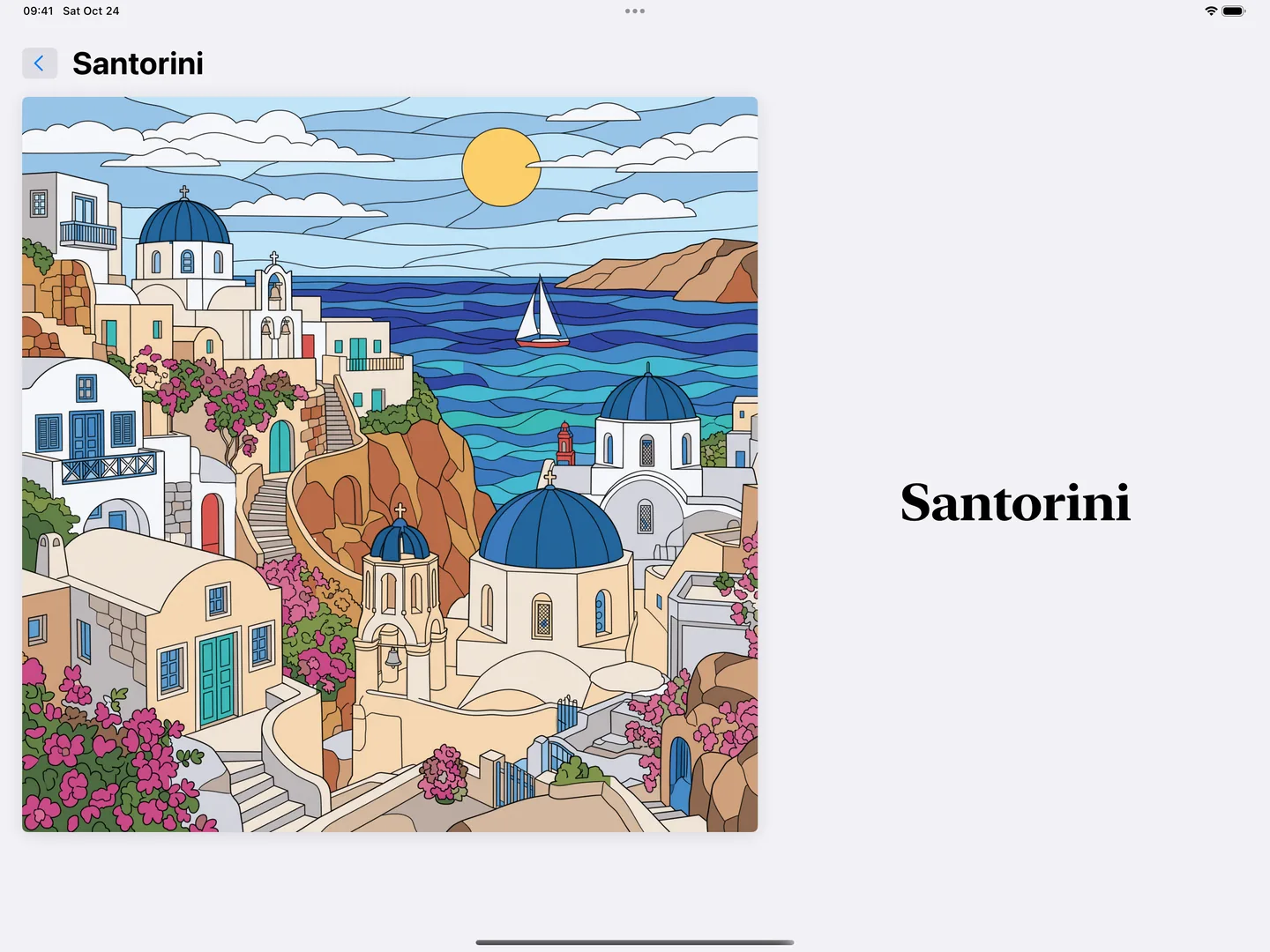
- Places: Istanbul, Galata Tower and the Golden Horn, Grand Bazaar Lamps, Iznik Tile, Cappadocia Balloons, Santorini, Venetian Canal, Kyoto, Moroccan Courtyard, Snowy Village.
- Nature: Under the Sea, Coral Reef, Koi Pond, Tropical Birds, Peacock, Autumn Forest, Polar Night, Savanna Sunset.
- Patterns: Mandala, Rose Window.
06
Pencil, colors and ease of use
The Apple Pencil settings below describe the iPad version.
Apple Pencil or finger
"Apple Pencil" in Settings offers three options:
- Automatic: after your first stroke with Apple Pencil, your finger only scrolls and zooms, so a resting palm doesn't leave paint.
- Pencil Only: only Apple Pencil paints.
- Pencil and Finger: no pencil? Paint with your finger; scroll and zoom with two fingers.
If "Only Draw with Apple Pencil" is on in iPad Settings, the app follows it.
Colors
- Piece Palette and Picture Palette: ready-made colors that suit the piece and the picture; "More" shows all of the picture's colors.
- Free: preset colors, recent colors and "My Colors".
- Eyedropper: pick a color from a painted area.
- Mix and Fine-Tune: mix two colors or fine-tune one; save the result to "My Colors".
Who is it for?
PaintPuzzle is rated 4+ on the App Store. Easy pictures have 9 pieces; Expert pictures have 36 pieces and hundreds of small areas. A short break and a long evening both fit in the same app. There is no timer and no score to chase.
The interface is in English and Turkish and follows your device language.
07
Finished pictures and backups
The .ppbackup backup and restore instructions below apply to iPad and Apple silicon Mac; availability on Android has not been verified.
My Pictures and Completed
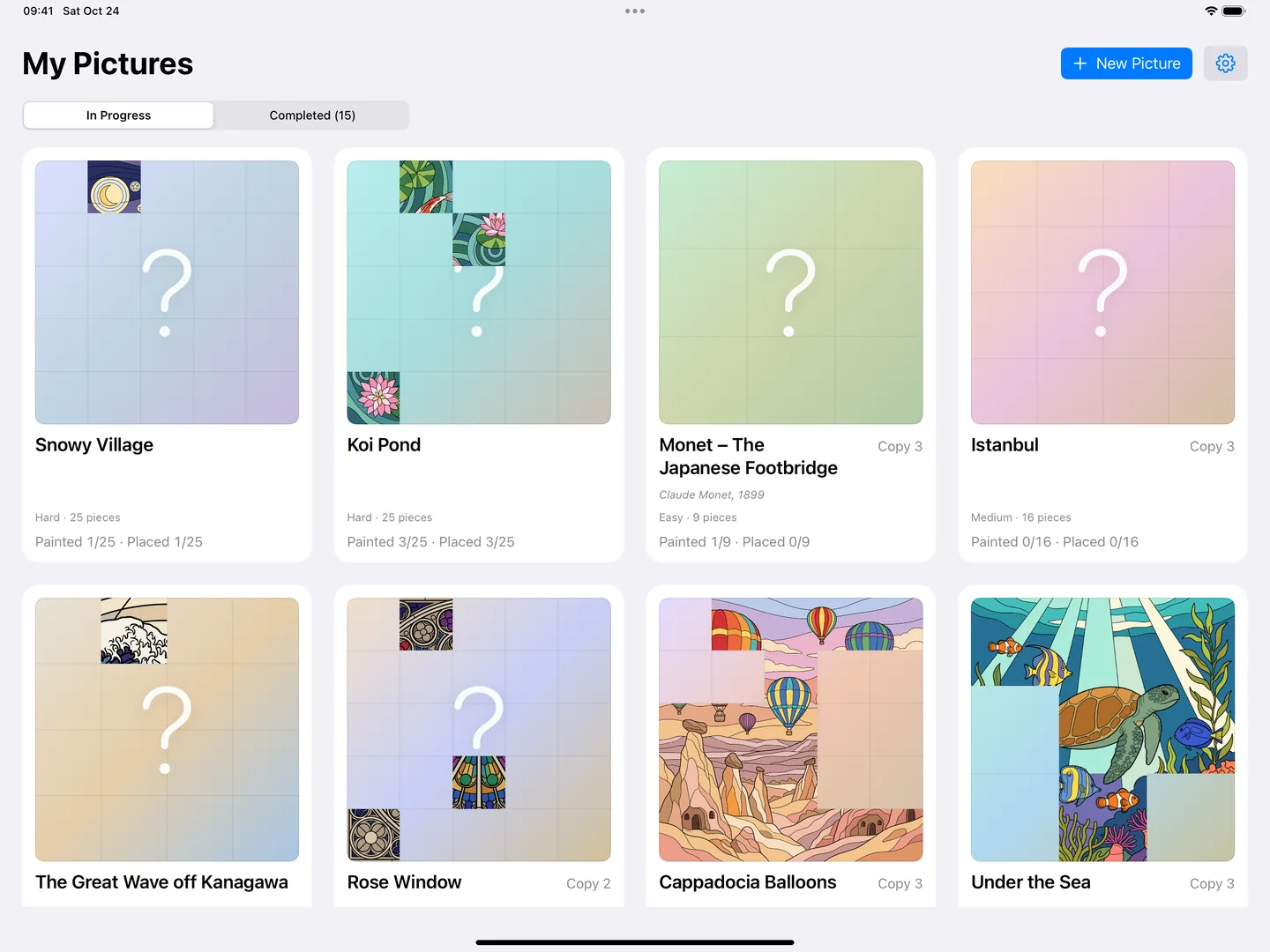
"My Pictures" shows cards for the pictures in progress; each card shows how many pieces are painted and placed. Finished pictures move to Completed.
Your paintings stay on your device
Your paintings are stored locally in the app; backup files you create can be kept in a location you choose. We recommend making a backup before deleting the app.
- Back Up: Settings → Backup → Back Up. All paintings, boards and "My Colors" are collected in one
.ppbackupfile. Save it to Files or iCloud Drive, or send it with AirDrop. - Restore: "Restore…" in the same place. Your current paintings are backed up automatically before a restore.
- Offline play. Painting works offline; a connection is used only to download new pictures.
08
Platforms and release status
| Platform | Status |
|---|---|
| iPad | On the App Store, free. Current version 1.1.1. |
| Mac (Apple silicon) | On the Mac App Store as "Designed for iPad"; macOS 14 or later. Paintings on iPad and Mac are kept separately; you can move them with a backup file. |
| Android tablet | Awaiting Google Play approval. |
Version history
- 1.1.1 — 2 November 2026: Fixed the board grid not showing in some pictures (in dark mode); the finished state of a board is more reliable.
- 1.1 — 25 October 2026: English interface, 5 new Expert pictures, Feedback in Settings, stronger save protection. The app became available outside Türkiye.
- 1.0 — 24 October 2026: First release, App Store Türkiye.
09
Developer and closing
An independent project from Istanbul
PaintPuzzle is developed independently by Volkan Duran in Istanbul. For feedback and bug reports, use Settings → Feedback in the app or write to mail@volkanduran.com.